
How to Use QR Codes
on Resumes
Stand out to recruiters by linking to your portfolio, LinkedIn, or video intro.
A QR Code on a resume allows you to connect your resume with your portfolio, website, or LinkedIn profile. Scanning this QR Code instantly directs recruiters to a chosen page or profile, which can showcase information not found on a traditional printed resume.
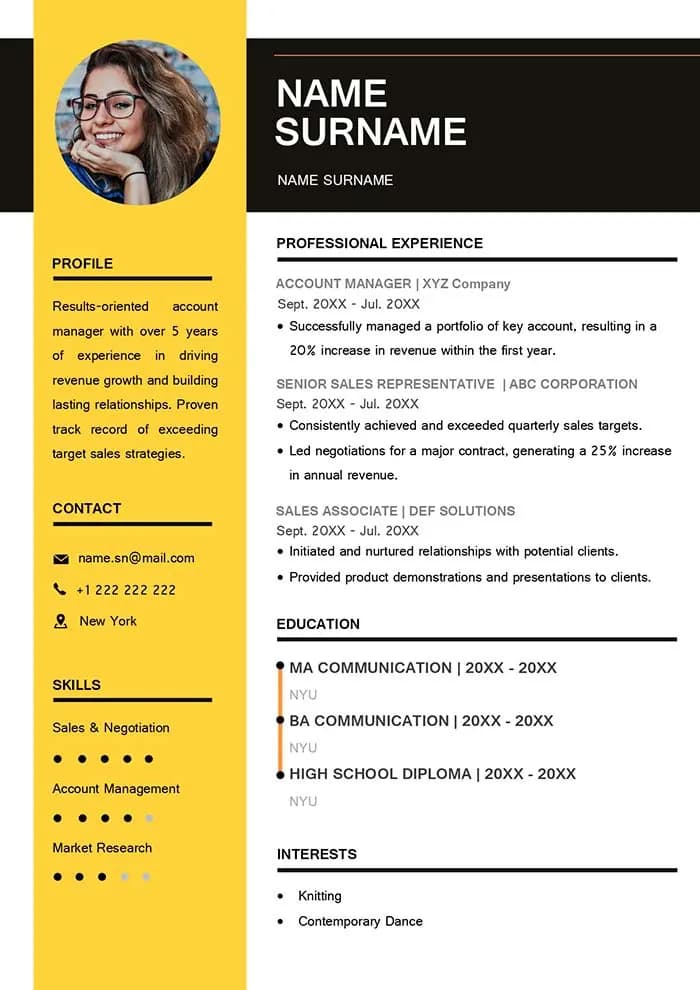
5 benefits of QR Codes on resumes
QR Codes can help you showcase your professional experience in a more interactive and modern way. They allow hiring managers to quickly access your portfolio, projects, and online presence.
1. Track interest in your candidacy
Dynamic QR Codes provide tracking data such as scan location, number of scans, time, and device used. This helps you understand whether employers are engaging with your resume.
2. Create a more exciting design
Adding a QR Code makes your resume visually appealing and helps you stand out. It also shows that you are tech-savvy and open to using modern tools.
3. Flexible QR Code solutions
QR Codes allow you to link to multiple types of content such as your portfolio, blog, social media, or specific project pages. You can connect employers directly to your work with a single scan.
4. Display information in one place
Instead of adding too much content to your resume, you can use QR Codes to organize everything in one place. This can include videos, social media, LinkedIn profiles, or PDF documents.
5. Edit and update anytime
Dynamic QR Codes allow you to update links or content without reprinting your resume. This helps you keep your information up-to-date as your experience grows.
💡 Pro Tip
Make Your Resume Interactive
Include a QR Code in your resume to link directly to your portfolio, LinkedIn profile, or video introduction. Let potential employers access your work instantly.
How to create a QR Code on resumes
- Select a QR Code type (e.g., URL QR Code)
- Enter your website or portfolio link
- Generate the QR Code
- Customize the design (colors, frame, logo)
- Download the QR Code
- Add it to your resume
Note: Dynamic QR Codes allow you to edit content even after printing your resume.
QR Codes on resumes best practices
1. Customize your design
Match your QR Code with your personal branding by using custom colors, logos, and styles.
2. Use the appropriate size
Ensure your QR Code is at least 2 x 2 cm for dynamic codes and slightly larger for static ones to ensure easy scanning.
3. Add a call to action
Include a short message like “Scan to view portfolio” to encourage recruiters to scan your QR Code.
See QR Codes on resumes in action
Job fairs
Share additional documents like certificates or portfolios through QR Codes instead of carrying printed copies.
Networking events
Use QR Codes to share your contact details instantly, making it easier for people to save your information.
Interviews
Showcase your work through audio, video, or project links to create a stronger impression.
Recruiting firms
Add a video introduction to give recruiters a better understanding of your personality and skills.
Applying online
Connect employers to your professional social media profiles and online presence to strengthen your application.
Get Started Free
Ready to make your scan-worthy?
Create a free dynamic QR code in 30 seconds. No account needed to start.