
How to Use QR Codes
on Billboards
Maximize outdoor advertising reach with high-contrast, easy-to-scan codes.
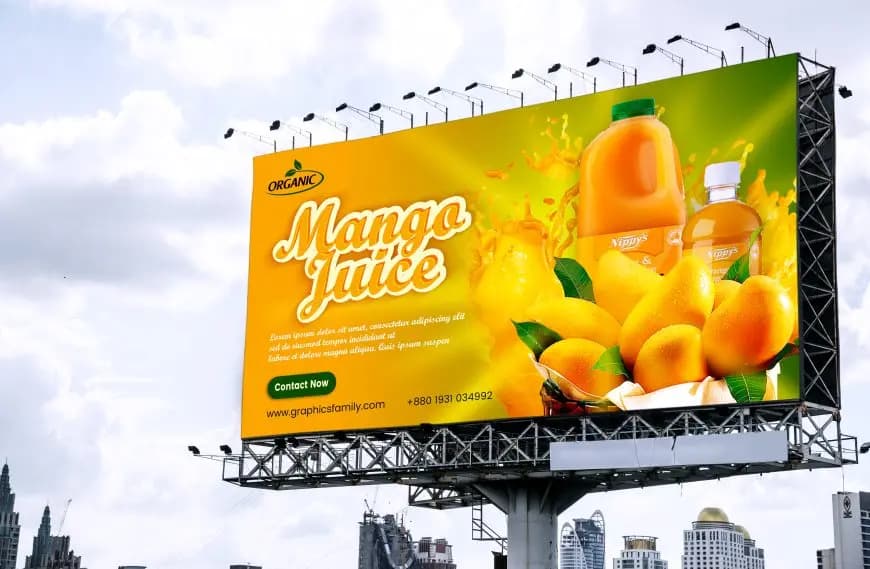
In today’s digital-first world, it’s easy to overlook the impact of old-school advertising methods like billboards. But don’t let their traditional format fool you—billboards are still a powerhouse for brand visibility, especially in bustling cities and high-traffic areas. By pairing them with Quick Response (QR) Codes, you create a bridge between the offline and online worlds, turning a static ad into a dynamic digital experience. Read on to discover why this time-tested strategy still packs a punch.
The Benefits of Using QR Codes on Billboards
One of the biggest challenges in billboard marketing is tracking campaign performance. Integrating QR Codes into your billboard strategy addresses this issue, making tracking simpler and more effective.
How QR Codes Enhance Billboard Advertising
1. Track ROI (Return on Investment)
QR Codes create a direct link between your billboard and landing page, enabling you to track interactions and revenue. Dynamic QR Codes from QR Code Generator PRO allow metrics like total and unique scans, location, device, and time scanned.
2. Compare Locations
Assign unique QR Codes to each billboard to analyze which cities or neighborhoods generate the most engagement. This helps optimize billboard placement and target your audience more effectively.
3. Increase Engagement
QR Codes simplify engagement by giving passersby an immediate way to connect, whether visiting your website, following social media, signing up for newsletters, or making purchases.
4. Maintain Consistent Branding
Dynamic QR Codes can be customized with your brand colors, patterns, frames, logos, and call-to-action (CTA) to create a cohesive, professional look.
5. Correct Errors Quickly
Dynamic QR Codes allow you to update URLs, change QR Code types, or adjust campaigns without reprinting the billboard, keeping your campaigns effective with minimal hassle.
💡 Pro Tip
Make Billboards Measurable
Add QR Codes to billboards to direct viewers to special offers, websites, or app downloads. Track engagement and turn a passive ad into actionable results.
How to Create a QR Code for a Billboard
- Go to QR Code Generator and select your QR Code type (Dynamic URL recommended).
- Enter your website address; the QR Code will be generated automatically.
- Customize frame, shape, and color of your QR Code.
- Download your QR Code as JPG, SVG, or EPS.
- Add the QR Code to your billboard ad campaigns.
Pro Tip: For more customization options and dozens of QR Code types, upgrade to QR Code Generator PRO.
Tips to Enhance Billboard Campaigns with QR Codes
- Keep your message short: Passersby have only a few seconds of attention.
- Be unique with contrasting colors: Use eye-catching designs to stand out and ensure QR Codes are scannable.
- Show, don’t tell: Use visuals and graphics to convey your message quickly.
- Consider size and placement: Make QR Codes visible but not overpowering, and place them where scanning is easy.
Billboard QR Code Use Cases
Gyms and Wellness Studios
Studio Gym promoted seasonal fitness courses with a Video QR Code on billboards, testing campaigns across cities to see which drove the most new customers.
Fashion Retailers
Elle Boutique launched an App Store QR Code on billboards to encourage immediate app downloads and track scans via QR Code Generator PRO.
Concerts
The Three Sparrows promoted holiday concerts with an Event QR Code on billboards, allowing fans to buy tickets and add events to calendars instantly.
Publishers
Lionspring Publishing used an MP3 QR Code on billboards to promote audiobook sales for a new release, making it easy for customers to download.
Real Estate Agencies
The Home Finders used an Image Gallery QR Code to provide detailed property information without crowding the billboard.
Finance
Global Worth Trust added Social Media QR Codes to billboards in multiple countries to attract new users and build brand recognition.
Get Started Free
Ready to make your scan-worthy?
Create a free dynamic QR code in 30 seconds. No account needed to start.