
Curious about how to create a QR Code for your business? At QR Code Generator, creating custom QR Codes is incredibly straightforward. Our suite of solutions covers all your business needs—from B2B and product marketing to full-scale digital campaigns.
Improve your local listing with the Business Page QR Code
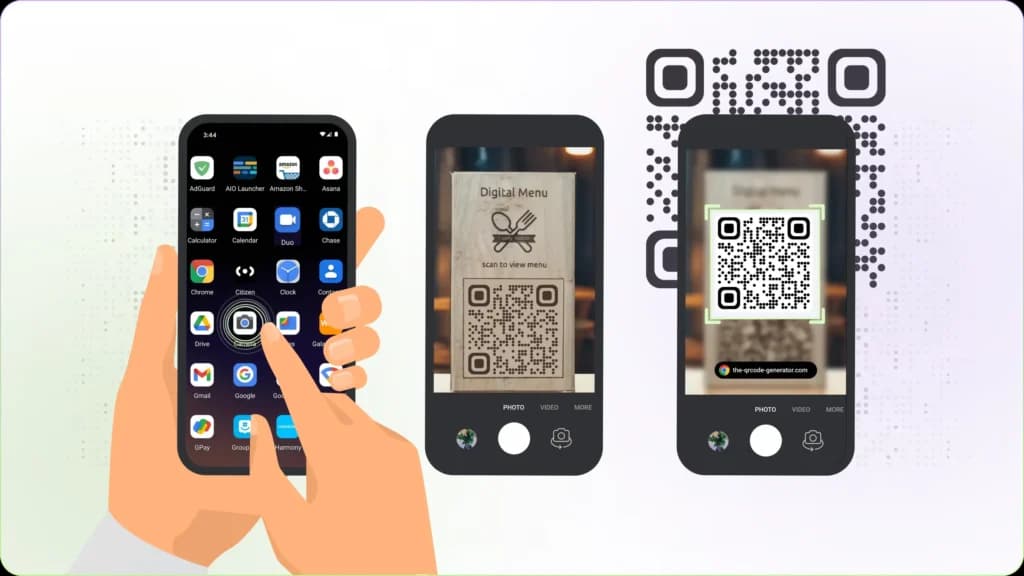
Business Page QR Codes are the perfect addition to physical print collateral like business cards, brochures, company vehicles, or office windows. Here is how to create one:
- Select Business Page QR Code from the primary QR Code selection tab.
- Fill in your essential business info: contact details, physical address, and website URL.
- Customize your QR Code's design or download it directly to use right away.
Other QR Code solutions for businesses
Businesses can leverage QR Codes to route users to videos, image galleries, social media profiles, event pages, and digital coupons. Here are a few key examples:
vCard Plus QR Code
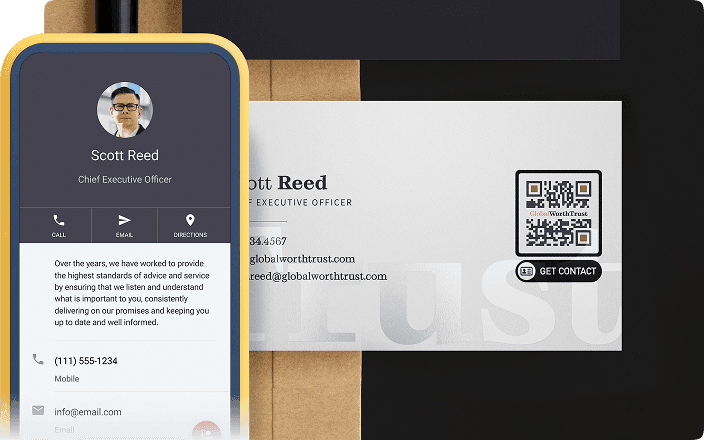
A Dynamic vCard QR Code acts as an interactive digital business card for individuals. Upon scanning, users can instantly save your contact info to their phone or share it via social media and email.
Dynamic URL QR Code
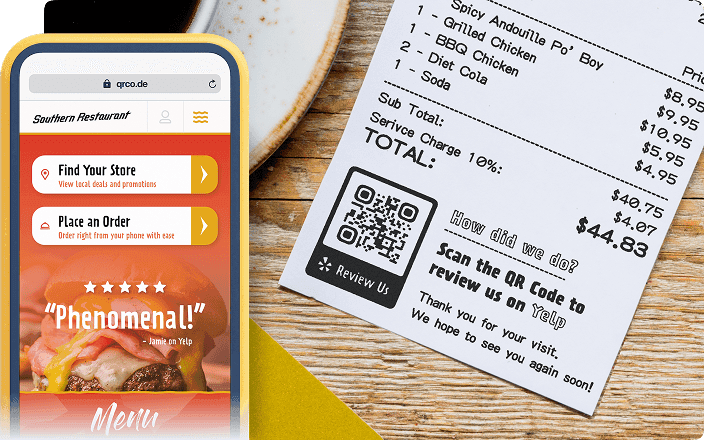
Easily convert any destination link into a QR Code. Users are routed automatically to your website, and you can customize the short URL for better branding and cleaner visual links.
Social Media QR Code
Display all your active social media channels on a single, mobile-optimized landing page. This allows you to grow your online following across multiple platforms without needing to print separate QR Codes for each one.
Where to print your QR Codes to grow your business
Expand business card functionality
Use vCard Plus QR Codes to simplify contact saving, Image/Video QR Codes to showcase a creative portfolio, or PDF QR Codes to present deep-dive product specs—all without cluttering your physical card's design.
Add a "button" to physical brochures
Static brochures and flyers instantly become interactive digital touchpoints. Dynamic URL QR Codes let customers visit your website or checkout page with a single scan, completely avoiding the friction of manual URL typing.
Use store or office windows 24/7
Your windows are highly visible, free marketing real estate. Add large QR Codes to advertise your primary products or booking services to foot traffic at any hour of the day, even when your doors are locked and the lights are off.
💡 Pro Tip
Align QR Codes with Business Goals
Always connect your QR Codes to a clear objective like sales, engagement, or lead generation, and track performance to continuously improve results.
Tips for designing a QR Code your customers want to scan
- Use a frame with call-to-action (CTA) text: Never assume a user knows what a code does. Add a short CTA like “Scan to Win” or “Learn More” around the border to drive action.
- Add your logo: This presents a prime branding opportunity and reassures users about the authenticity and safety of your QR Code.
- Use exact brand colors: Customize the data matrix using exact hex codes (e.g., #RRGGBB). Tip: Always rely on darker shades for the foreground to guarantee high scannability against a light background.
- Respect technical limits: Ensure strict color contrast, maintain a clear "quiet zone" around the code's perimeter, test your links before printing, and never print a code smaller than 2x2 cm (0.8x0.8 in).
Final considerations for business QR Codes
- Set your objective first: Define a clear, measurable goal for each QR Code campaign to ensure you pick the right format and landing page.
- Double-check your content: If using Static QR Codes, check for typos obsessively. Once a static code is generated and printed, the destination cannot be edited.
- Go PRO when in doubt: For business use, QR Code Generator PRO is highly recommended. It unlocks Dynamic QR Codes (editable after printing), comprehensive scan statistics, and priority support.