
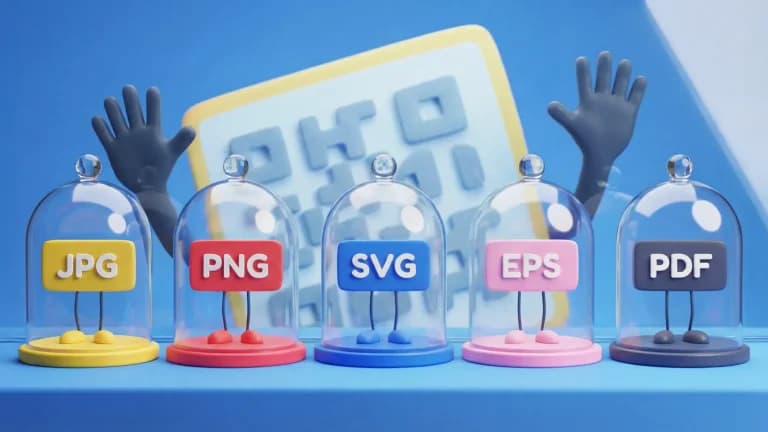
Need help deciding which file type to use when downloading your QR Code design? Choosing the wrong format can lead to blurry prints and failed scans. Here is a complete overview of QR Code graphic design best practices and an explanation of the different image file types available to you.
What is a QR Code and how do they work?
QR Codes (Quick Response Codes) are a massive improvement upon traditional 1D barcodes. Because they are 2D, they can be read both horizontally and vertically, allowing them to hold hundreds of times more information. They also feature built-in error tolerance (ranging from 7% to 30%), meaning they can still be scanned even if part of the code is damaged or covered.
Size and format matter
A QR Code's primary job is to be readable. Unprofessional, pixelated designs or poor sizing choices will drastically reduce scan rates, hurt your brand's reputation, and ultimately cause your marketing campaigns to fail.
Make sure your design is readable
Minimum recommended size: 2 x 2 cm (0.8 x 0.8 in). You must also ensure there is sufficient color contrast between the code and the background, utilize high-quality image exports, and keep the "quiet zone" (the margin around the code) clear of other graphics.
Scale up, scale down, but stay clear
QR Codes can be scaled up to massive sizes for billboards or wrapped vehicles. However, they must remain crisp. Scaling a raster image (like a JPG) too large will result in pixelation, which ruins scannability.
Downloading QR Codes in different file formats
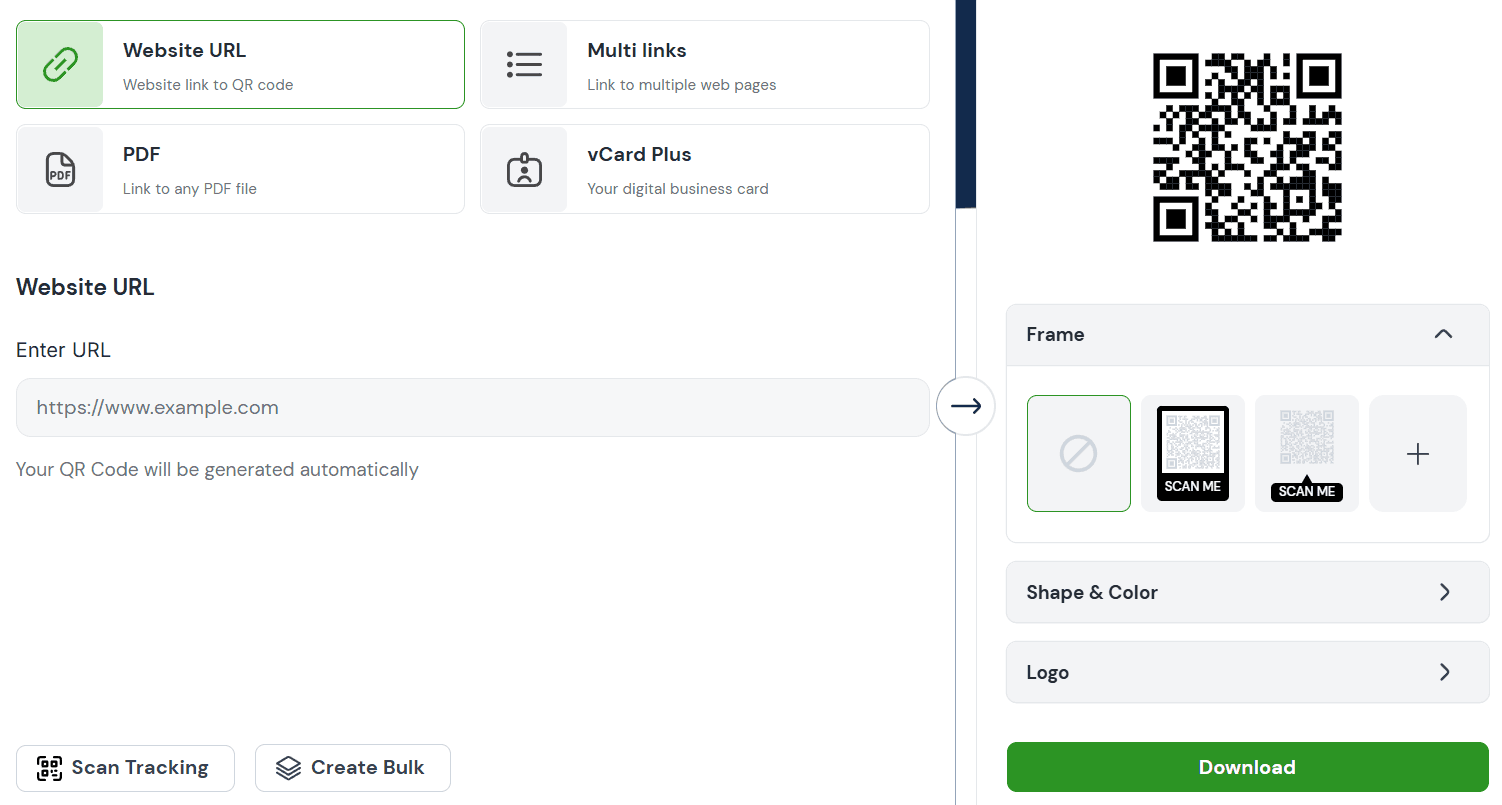
QR Code Generator allows you to export your codes as PNG, JPG, SVG, or EPS files. (PDFs are also possible with a few extra steps). Here’s how to access them:
- Log in and finalize your QR Code's design.
- Click the large DOWNLOAD button next to the preview image for the default format.
- To access vectors, click the three dots menu next to the download button to reveal additional file formats.
- Select your preferred file type and initiate the download.
- You can always return to your dashboard later to redownload the exact same QR Code in a different format.
Tip: If you are placing a logo inside your code, use the high error correction setting (up to 30%) to ensure durability. However, because this makes the data matrix denser, you should slightly increase the minimum print size to compensate.
💡 Pro Tip
Choose the Right Format for Quality
Use SVG or PDF formats for print to maintain sharp quality at any size, and PNG for digital use to ensure fast loading and compatibility.
QR Code file formats and when to use them
SVG (Scalable Vector Graphic)
How it works: SVGs use mathematical paths instead of a grid of pixels. This means they are infinitely scalable without any loss of quality or sharpness.
When to use: Ideal for web development, crisp digital illustrations, and any scenario where the QR Code needs to be scaled to a large size while maintaining custom branding.
EPS (Encapsulated PostScript)
How it works: EPS is a legacy high-resolution vector format heavily relied upon in the professional print industry. It is highly compatible with software like Adobe Illustrator.
When to use: Mandatory for large-format print materials like posters, banners, and billboards. Important Note: Our EPS exports are black-and-white only; custom colors and logos will not appear in this format.
JPG (Joint Photographic Experts Group)
How it works: JPG uses lossy compression, which reduces file size but permanently discards visual data (lowering quality) every time the file is saved.
When to use: Avoid using JPG for QR Codes if possible. The compression artifacts blur the sharp edges of the data matrix, which can cause scanning failures.
PNG (Portable Network Graphic)
How it works: PNG utilizes lossless compression, meaning it retains perfect visual quality and sharp edges regardless of how many times it is saved. It also supports transparent backgrounds.
When to use: The gold standard for standard digital use. Perfect for websites, email signatures, social media, and basic digital documents.
PDF (Portable Document Format)
How it works: A standardized document format that encapsulates text, fonts, images, and vector graphics into a single, printable file.
When to use: You rarely export a QR Code *as* a standalone PDF. Instead, you generate a PNG or SVG and place it *inside* your final PDF document (like a digital menu or flyer) before publishing.