
Did you know you can get up to 173% more scans simply by adding a frame to your QR Code? With QR Code Generator PRO, you can select from dozens of beautiful frame designs, customize them to your brand, and download them instantly.
Why does a QR Code with a frame get more scans?
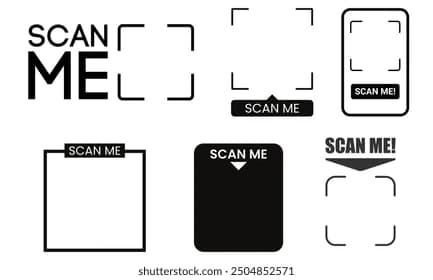
Frames make your QR Code “pop” off the page, functioning similarly to a Call-to-Action (CTA) button in digital marketing. While the frame draws the user's eye, adding a clear CTA like “Scan Me” explicitly clarifies the code's purpose and removes any hesitation.
💡 Pro Tip
Guide Users with Clear CTAs
Frames with call-to-action text like 'Scan Me' increase engagement. Make sure the design highlights the QR Code without reducing its scannability.
Who should use QR Code frames?
Ideally, every single QR Code you print should feature a frame and a CTA. Well-designed frames heavily influence scan frequency. Here are some real-world examples categorized by industry:
Gyms and Wellness Studios
Use vCard Plus QR Codes for digital trainer business cards, Business Page QR Codes to summarize your studio's timetable, or App Store QR Codes to connect members directly to your fitness app. All of these come with fully customizable frames and CTAs.
Real Estate Agencies
Deploy vCard Plus QR Codes on physical window displays for your agents, Video QR Codes to showcase virtual property tours, or Event QR Codes for upcoming open houses. Frames easily adapt to all sizes, whether printed on a massive billboard or posted on social media.
Retailers
Place Social Media QR Codes directly on product packaging, Coupon QR Codes on exclusive event invitations, or Video QR Codes on hanging product tags. Frames ensure your codes blend natively into any retail medium.
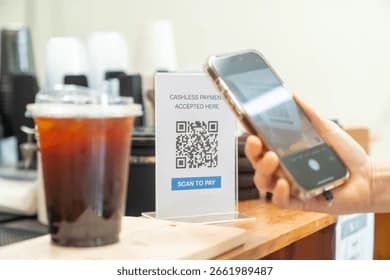
How to design a QR Code with a frame
Using QR Code Generator PRO, follow these exact steps to maximize your scan rates:
- Choose your solution type: Select from videos, events, social media profiles, apps, images, or sound files. (Remember: Dynamic QR Codes allow you to edit this content later).
- Select a frame: Pick from our library of ready-made designs.
- Apply your brand color: Choose a hex color (#RRGGBB) that matches your brand guidelines while maintaining strict contrast against the background.
- Update your CTA text: Keep it actionable and concise (3-5 words starting with an action verb). Examples: “Scan to Follow” or “Scan to Watch.”
- Download your QR Code: Export your final design in JPG, PNG, EPS, or SVG format.
Design best practices
Match your frame with the type of QR Code
Ensure the visual styling of the frame logically aligns with the intended CTA. For example, an App Store QR Code looks best wrapped in a smartphone-shaped frame with the text “Get the app.”
Maintain the quiet zone
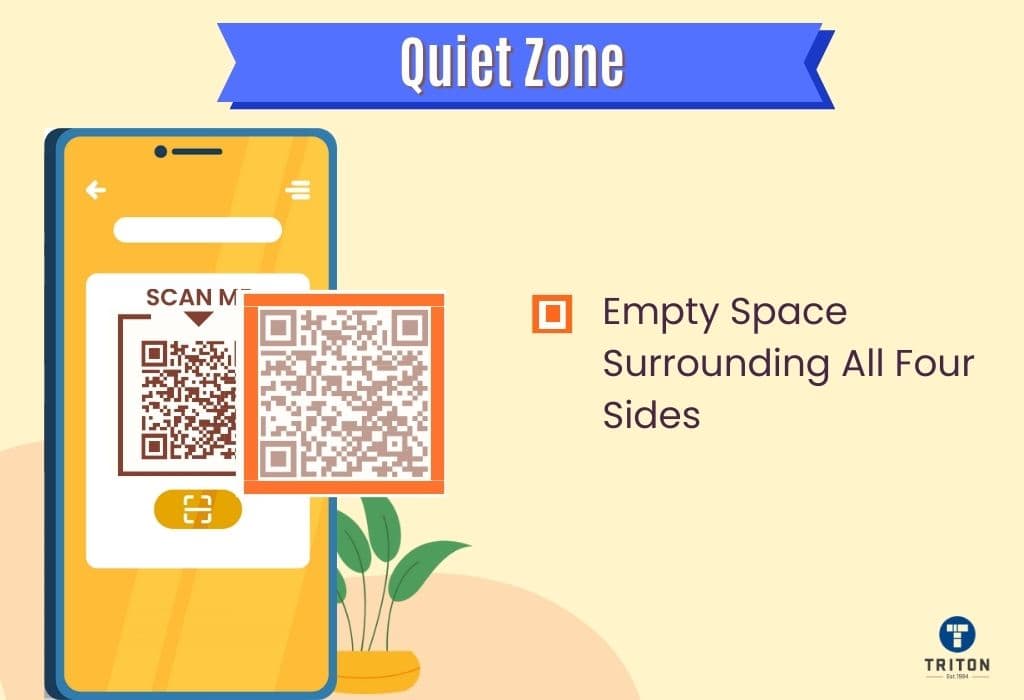
The "quiet zone" is the mandatory white space surrounding your QR Code's data matrix, necessary for smartphone cameras to isolate and read the code. The frames provided by QR Code Generator PRO automatically preserve this zone so you never have to worry about breaking the code.
Custom CTA text length & action verbs
Keep your CTAs incredibly short (3-5 words maximum) and always lead with a specific action verb. Ensure the text directly matches the user experience. For example, use “Scan to Watch” for a Video QR Code, rather than a generic “Scan Here.”