
Introduction
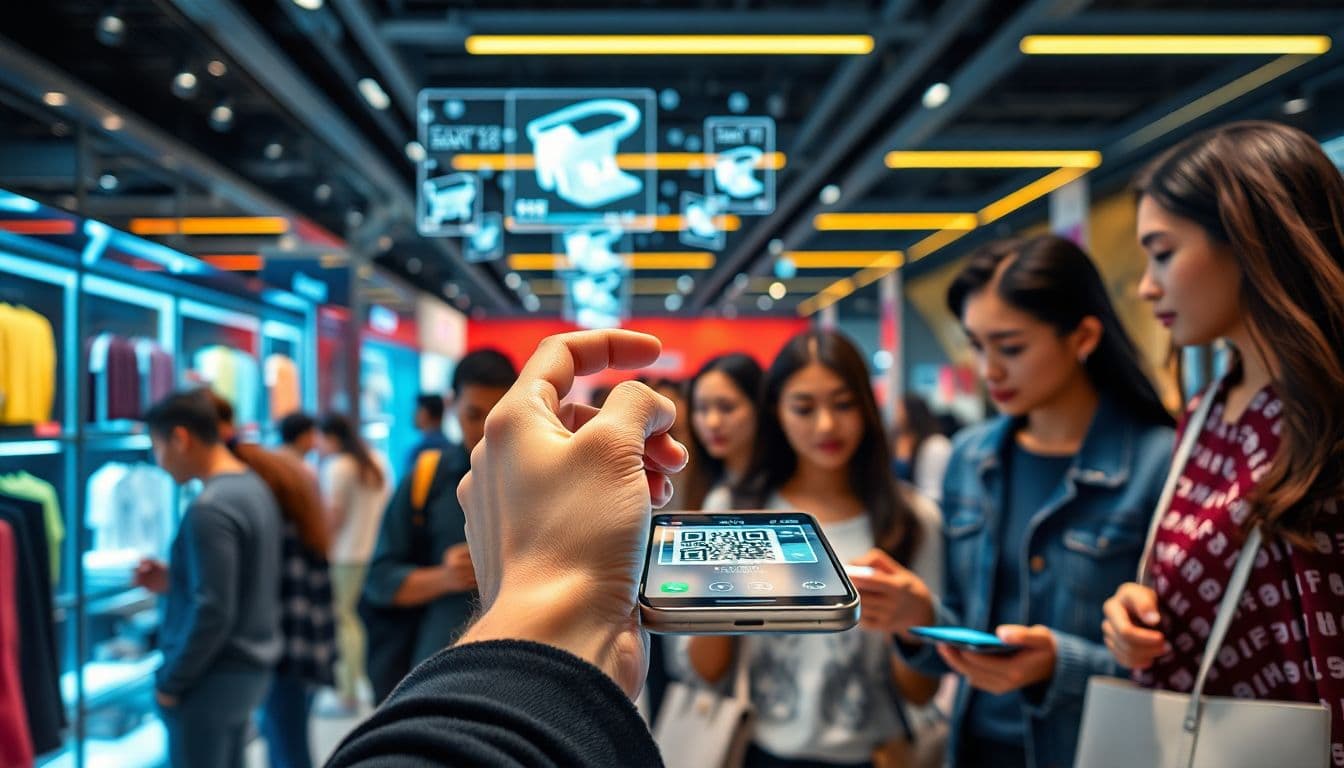
Shopping has shifted a lot in recent years. Now, many prefer online or contactless shopping over traditional trips to the store. This change is good but also presents new challenges. Customers want quick help, clear info, and fun experiences. That’s where QR codes come into play. They can make shopping more interactive and easier for everyone. QR codes are a simple tool that connects physical stores to online content instantly.
In this article, we will explore six smart ways to use QR codes to boost virtual shopping support. These tips help improve customer experiences and make shopping more fun and engaging. Ready to see how you can turn QR codes into your best sales helpers? Let’s dive in.
Understanding QR Codes and Virtual Shopping Assistance
In 2023, stockouts cost businesses globally an estimated $1.77 trillion, underscoring just how much revenue can be lost when products are unavailable. Using QR Codes linked to your online store reduces the likelihood of losing these potential sales.
What are QR Codes?
QR codes are square patterns that hold data. When you scan them with your phone, you instantly see info on the screen. Many businesses started using QR codes for menus, payments, and product info. They are simple to generate and update as needed. Over time, they’ve become popular tools in retail and online shopping.
Benefits of QR Codes in Retail
Using QR codes makes shopping easier and safer. Instead of waiting in lines or handling cash, customers scan to get what they need. QR codes also boost engagement by linking to videos, reviews, or coupons. Retailers like them because they gather valuable data on customer preferences and habits. Explore QR code uses in retail.
The Growing Demand for Virtual Shopping Support
Today’s shoppers want fast help, especially online. They look for ways to get info, try products virtually, or chat with experts. Good virtual support reduces confusion and cart abandonment. When customers find what they need quickly, they stick around and buy more.
Strategy 1: Embedding QR Codes for Product Info and Reviews
Enhancing Customer Knowledge
Placing QR codes on product packaging or shelves gives instant access to detailed info. Instead of looking for brochures or asking staff, customers scan for descriptions, ingredients, or care tips. This reduces confusion and builds trust.
Leveraging User-Generated Content
QR codes linking to reviews, photos, or testimonials are powerful. Customers like to see what others think before making a choice. When shoppers scan, they get honest opinions that help them decide faster.
Actionable Tip
Use dynamic QR codes that can be updated anytime. If a new review or feature becomes available, change the link without changing the code. Learn about dynamic QR codes.
Strategy 2: Facilitating Virtual Consultations with QR Codes
Connecting Customers to Expert Support
Scanning QR codes can lead shoppers to book live chats with specialists or stylists. Imagine a customer shopping for a dress—scanning a code gets them a quick chat for styling advice. It’s easy and personal.
Implementing 3D Virtual Fitting Rooms
Some stores use AR fitting rooms accessed through QR codes. Customers scan, see themselves in clothes virtually, and decide without trying on. It saves time and makes shopping more fun. Explore virtual fitting rooms trend.
Real-World Example
Sephora’s Virtual Artist app uses QR codes on product displays. Customers scan to see makeup tutorials or get personal help. It’s a top example of blending AR and QR technology to boost sales.
Strategy 3: Streamlining Checkout Processes via QR Codes
Contactless Payment Integration
QR codes linked to digital wallets like Apple Pay or Google Pay let shoppers pay in seconds. No need to carry cash or cards—just scan and go.
Reducing Cart Abandonment
Quick access to checkout pages through QR codes helps close the sale fast. Place scan points near checkout counters or on shopping bags for easy purchases.
Actionable Tip
Strategically place QR codes where customers decide to buy. Make quick checkout effortless and reduce wait times.
Strategy 4: Personalizing Shopping Experiences with QR Codes
Customizing Content Based on Scanning Data
When customers scan, that info can be used to suggest products, discounts, or tailored content. For example, a customer scanning a shirt might see matching accessories or style tips.
Loyalty Program Integration
QR codes can link to special discounts or reward accounts. Customers scan to earn points or unlock exclusive deals. This boosts loyalty and encourages repeat shopping.
Expert Quote
Retail tech leaders say personalization helps increase engagement and sales. QR codes make it easy to deliver relevant offers right when customers want them.
Strategy 5: Providing Interactive and Engaging Content
Gamification and Promotions
Scan a QR code on a display to unlock a discount or win a prize. Contests or bonus deals make shopping more exciting and encourage participation.
Educational Content
Use QR codes for videos, styling guides, or tutorials that help customers make better choices. For instance, a clothing store might link to videos on how to style that season’s trends.
Real-World Example
Macy’s uses QR codes on fashion displays. Shoppers scan to get styling tips or participate in quick contests. It keeps them engaged longer and builds loyalty.
Strategy 6: Collecting Customer Feedback and Insights
Instant Surveys and Feedback Forms
After shopping, customers can scan to complete short surveys. This gives retailers real insights on what went well or what needs fixing.
Data Analytics for Continuous Improvement
By tracking scanning patterns, stores understand what products or promotions interest customers most. This data drives smarter marketing and better store layouts.
Actionable Tip
Offer small rewards, like discounts or loyalty points, for filling out surveys. It encourages more feedback and helps you get honest opinions.
Conclusion
QR codes are fantastic tools to boost virtual shopping help. They make info, support, and fun content accessible with a quick scan. Whether sharing product details, booking live chats, or collecting feedback, QR codes can do it all.
The key is to use these strategies to make shopping easier, more personal, and more exciting. Adopting QR code technology will help you stay ahead of the competition and create a shopping experience customers love. Start integrating QR codes into your retail game today—your customers will thank you.
Frequently Asked Questions
How can a URL QR code generator enhance virtual shopping assistance?
By placing codes on physical retail shelves, you can instantly link in-store customers to virtual shopping assistants, video demos, or digital catalogs. This mobile-friendly approach streamlines the purchase process and creates a seamless omnichannel customer experience.
Should I use a dynamic or static QR code generator for my retail displays?
To successfully run virtual shopping campaigns, you definitely need an editable QR code built with dynamic technology. This allows you to update the destination URL for new product lines without reprinting your physical store signage, keeping your campaign tracking perfectly accurate.
How to create a QR code with logo for free to match my retail brand?
Personalizing your digital links builds immediate customer trust before they even scan the shelf tag. You can easily use a free QR code generator with logo tools to design a custom QR code with brand colors that blends seamlessly into your visual merchandising.
What is the best size for a print-ready QR code on a clothing tag?
If you are attaching codes to small merchandise tags, your print-ready QR code must be at least 0.8 by 0.8 inches to scan quickly. Always test the code under bright store lighting to ensure the error correction maintains a flawless scan rate for your shoppers.
Can a scan to download app QR code help customers shop my virtual catalog?
Yes, retail stores frequently use an app store QR code generator on checkout counters to encourage fast mobile downloads. This provides an instant gateway for offline shoppers to access your virtual styling app directly from their device.
What is the best free QR code generator online for retail stores?
If you want to modernize your in-store customer experience, QRVertex is a highly versatile platform that handles everything from virtual assistance links to basic product info. It operates as both a robust QR code editor and barcode generator, helping businesses easily digitize their shopping journey.
Can I edit my QR code after printing if my virtual catalog link changes?
You can only change the link if you originally created the campaign using a dynamic format. This is a huge money-saver for retailers, allowing you to recycle the same printed shelf displays while routing the scanner to updated seasonal catalogs.
Do QR codes generated with QRVertex expire if a product goes out of stock?
If you are searching for a QR code generator no expiry, the static codes generated on QRVertex are permanent and will work forever. However, for retail inventory, using a dynamic code is safer so you can automatically redirect the shopper to a similar product if the original item sells out.
Related Articles

The Ultimate Guide to QR Codes for Cafes: Menus, Marketing, and More
Discover how cafés can use QR codes for digital menus, marketing campaigns, loyalty programs, and more. This ultimate guide covers creative, practical uses to boost customer experience and streamline operations.
5 Ways to Use QR Codes for Gardening and Plant Care
Explore 5 smart ways to use QR codes in gardening and plant care—from plant ID and care tips to garden tours and DIY guides. Make your green space more interactive and informative.

How QR Codes Can Store and Share Rental History
Learn how QR codes can securely store and share rental history for tenants and landlords. Streamline background checks, rental applications, and property management with ease.