
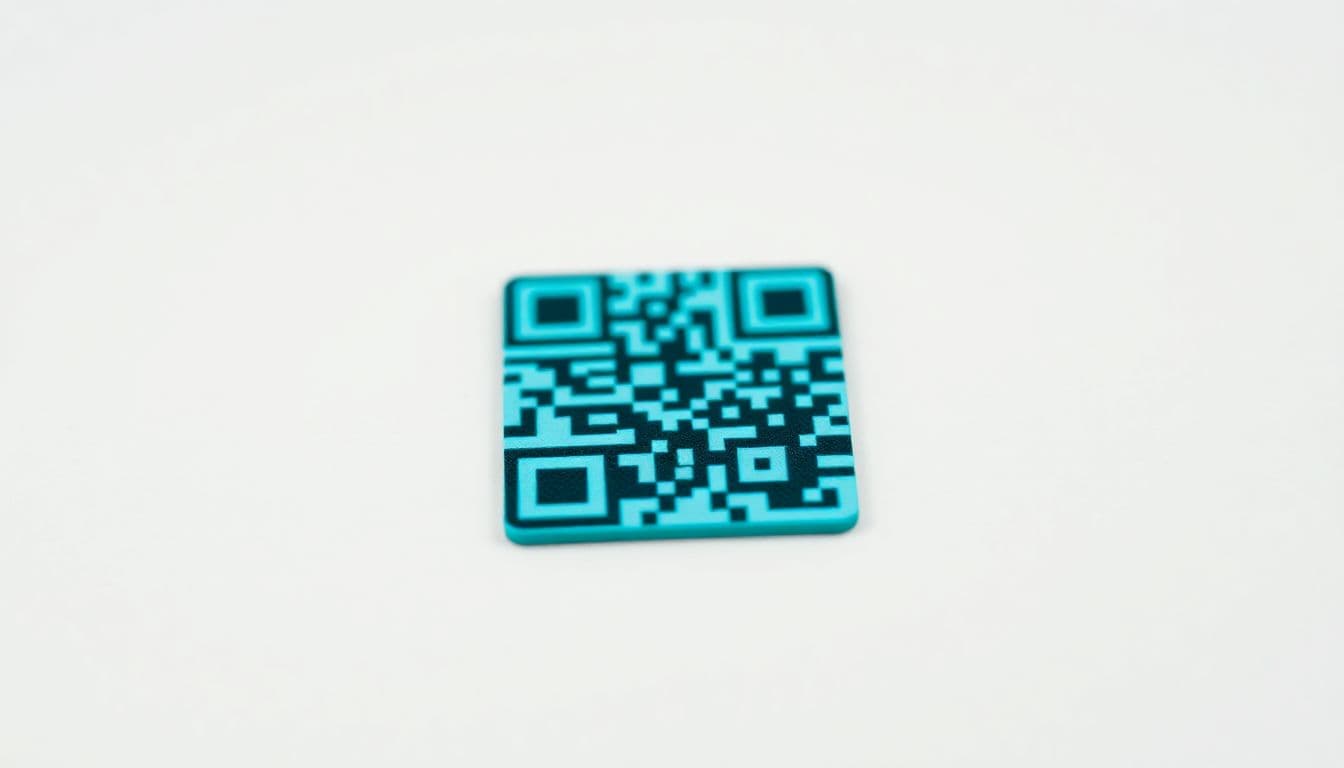
QR codes are everywhere! These little squares link us to websites, videos, and all sorts of information. But have you ever struggled to scan a QR code? Maybe it was too small or blurry. Size matters! How small can a QR code be and still work? Let's find out.
Understanding QR Code Size Factors
Many things affect the smallest usable QR code size. Data density is one. Error correction levels also matter. Scanning distance, and the complexity of the information stored, play a role. Smaller isn't always better.
Data Density and Modules
More data means a more complex QR code. Think of it like packing a suitcase. More stuff means tighter packing. This leads to smaller modules(the little squares). Smaller modules can be harder to scan. They require better resolution.
Error Correction Levels
QR codes have error correction. This means they can still work even if damaged. There are four levels: L, M, Q, and H. "L" is the lowest, "H" is the highest. A higher level lets you make a QR code smaller, but it also makes it more complex overall.
Minimum QR Code Size Recommendations
What's a good size for your QR code? It depends! It is based on if it isprinted versus on a screen. These are just guidelines. Testing is key!
Printed Materials
Print size matters. Think about how far away people will be. For something held in your hand (12–18 inches), aim for 1x1 inch. This is a good starting point. Think about DPI (dots per inch). Higher DPI means sharper images. Consider a larger size for signs read from far away. If it's a billboard, make it much bigger!
Digital Displays
Screens are different than paper. Pixel density comes into play. A phone screen can show smaller QR codes. A billboard needs a much larger one. Think about responsive scaling. This means the QR code changes size based on the screen.
Testing Your QR Code Size
Testing is a must! Don't skip this step. Make sure your QR code works on different devices. Try different scanning apps. Cameras and apps vary. What works on one phone might not work on another.
Scanning Distance Tests
Test how far away you can scan the QR code. Print it out. Try scanning it from different distances. Make a list of distances. See where it stops working.
Device and App Compatibility
Grab a few phones (Android and iOS). Download different QR code scanner apps. Scan your QR code with each. This will help you find any problems.
Optimizing QR Code Design for Scannability
How your QR code looks matters. Colors and contrast are important. The quiet zone makes a difference too. These things can help even small QR codes work better.
Contrast and Color Considerations
Make sure the QR code stands out. Use dark colors on a light background. Avoid similar colors. Don't invert the colors (light on dark). This can make it harder to scan.
The Importance of the Quiet Zone
The quiet zone is the white space around the QR code. It helps scanners find the code. Make sure the quiet zone is big enough. A good rule is at least 4 modules wide.
Conclusion
Finding the right size for a QR code can be tricky. Think about data, distance, and design. Testing is vital. Balance size with how well it works. Use this info to make great QR code campaigns.
Frequently Asked Questions
What is the absolute minimum size for a print-ready QR code?
To ensure optimal scanning performance on most smartphones, a print-ready QR code should never be smaller than 0.8 by 0.8 inches. Going any smaller dramatically increases the risk that the camera will not be able to decipher the data modules.
Is a static or dynamic QR code generator better for small printing?
If you need to print a very small code, you should absolutely use a dynamic QR code generator. Because an editable QR code embeds a short destination URL, the resulting pattern is much less dense and far easier for cameras to read at small sizes.
How to create a QR code with logo for free without ruining small prints?
When working with minimum size guidelines, adding a logo takes up valuable data space within the code. If you must use a free QR code generator with logo capabilities, keep the custom QR code with brand colors as simple as possible and maximize the error correction level.
How does scanning distance affect my QR code sizing?
The general rule of thumb is a 10:1 distance-to-size ratio, meaning if a code will be scanned from 10 inches away, it needs to be at least 1 inch wide. Always physically test your codes from the intended scanning distance before finalizing your print run.
Can I print a vCard QR code generator link on a tiny business card?
Yes, generating a vCard QR code for business is a great networking strategy, but static vCards hold a lot of data and create dense patterns. To keep the code small and readable, use a dynamic link instead so the pattern remains mobile-friendly.
What is the best free QR code generator online for high-quality printing?
For businesses looking to produce crisp, perfectly sized marketing materials, QRVertex is a top-tier platform. It functions as an advanced QR code editor and barcode generator, allowing you to export scalable vector graphics that will not blur when printed small.
Why is my tiny printed QR code not scanning at all?
This almost always happens because the code is too small, lacks a proper blank quiet zone around the edges, or the print quality caused the pixels to bleed together. Always use a high-quality printer and robust error correction when pushing the limits of minimum sizing.
Do QR codes generated with QRVertex expire if they are printed small?
Whether printed on a billboard or a tiny product label, static codes from a QR code generator no expiry will remain fully functional forever. Just ensure the physical print does not fade or scratch over time, as small codes have less tolerance for physical damage.
Related Articles

The Ultimate Guide to QR Codes for Cafes: Menus, Marketing, and More
Discover how cafés can use QR codes for digital menus, marketing campaigns, loyalty programs, and more. This ultimate guide covers creative, practical uses to boost customer experience and streamline operations.
5 Ways to Use QR Codes for Gardening and Plant Care
Explore 5 smart ways to use QR codes in gardening and plant care—from plant ID and care tips to garden tours and DIY guides. Make your green space more interactive and informative.

How QR Codes Can Store and Share Rental History
Learn how QR codes can securely store and share rental history for tenants and landlords. Streamline background checks, rental applications, and property management with ease.