
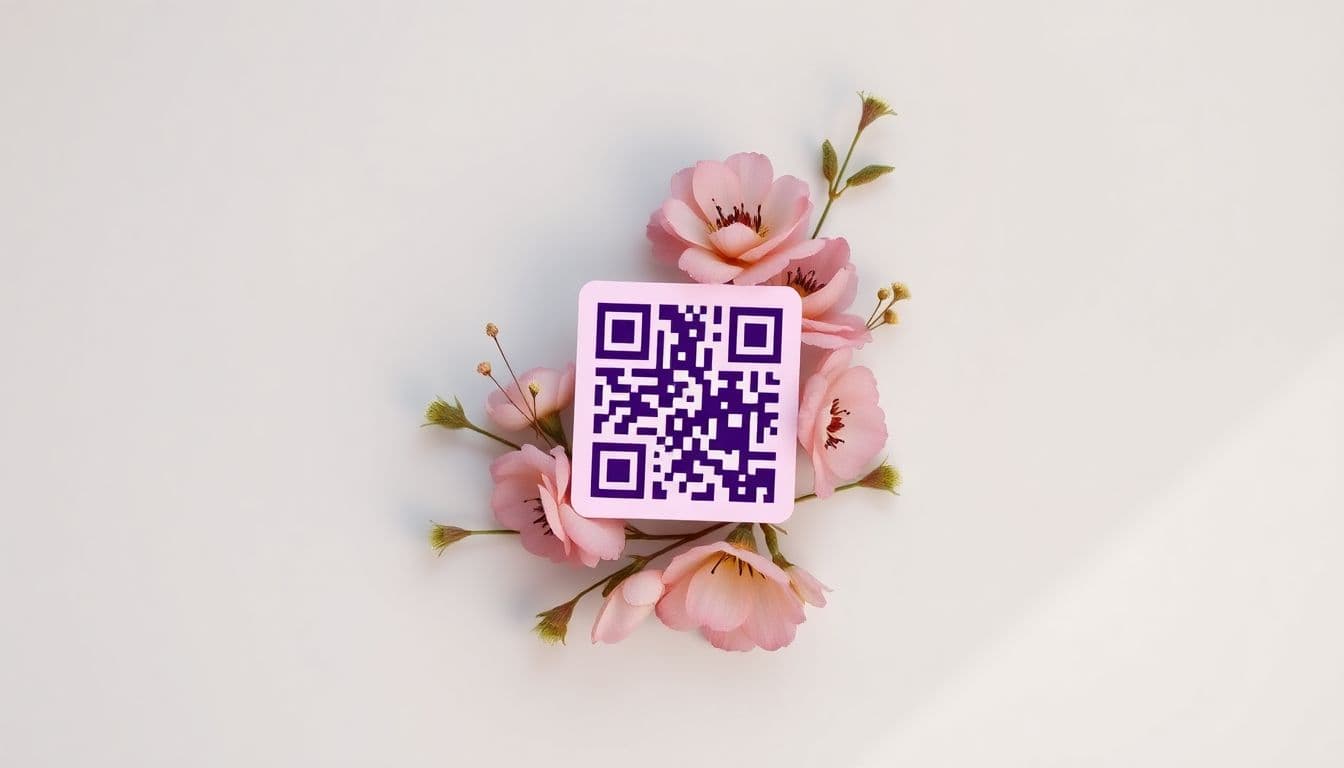
Bridal showers, baby showers, housewarmings, or birthdays; gift registries are helpful. It makes celebrating those big life moments easier for you and the guests. Sharing those registries can be tricky though. However, there's a simple way to handle this task. Use a QR code! It's a scanable shortcut to your wish list. So, skip long web addresses. Instead, embrace the new convenience of QR codes.
This guide shows you how to use QR codes for your gift registries. Learn how to make and share them easily. That way, your loved ones can find that perfect gift.
Why Use a QR Code for Your Gift Registry?
Why should you choose a QR code? Compared to older ways, these offer real advantages. Let's explore a few.
Streamlining the Gifting Process
QR codes make things simple for your guests. Just scan, and they're right where they need to be: your gift registry. No more typing long web addresses. It saves time and prevents errors. Think of it like a fast pass to happy gifting. You can find popular registry platforms like Zola, The Knot, or Amazon Registry.
Modern and Tech-Savvy Appeal
Using a QR code adds a modern feel to your event. It shows you're up-to-date. It's a small touch, but it makes a big difference. Your guests will notice your eye for tech.
Eco-Friendly Alternative
Go green with QR codes! You won't need to print registry cards. This cuts down on paper waste. It's a small step toward helping the planet. Plus, it shows you care about the environment.
Step-by-Step: Creating Your Gift Registry QR Code
Okay, let's learn how to make your own QR code. The process is simple, and there are many options available.
Finding Your Registry URL
First, you need the web address for your registry. Go to the store's site where you made your gift list. Find the option to share your registry. Copy that web address; you'll need it soon. Every retailer has a slightly different way to get there. But it's usually under "share" or "find my registry".
Using a QR Code Generator
Now, use a QR Code Generator. Paste your registry's web address into the generator. Click "create". That's it! Your QR code is ready.
Customizing Your QR Code (Optional)
Want to get fancy? Some sites let you change the design of your QR code. You can add a logo or change the colors. This can make it look better. However, make sure the code still works. Always test it after changing the design.
Where to Share Your Gift Registry QR Code
Now that you have your QR code, share it. Here are a few places to get the word out.
Including It on Invitations
Add the QR code to your invitations. Both paper and email invites work great. Print the code on paper invites. Include the image in email invites. This gives guests an easy way to access your registry. Check Paperless Post for eco-friendly digital invite options.
Sharing It on Social Media
Post your QR code on social media. Use Facebook, Instagram, or X. A quick post with the QR code image can do a lot! You can also add a short message. Let people know what you are celebrating.
Displaying It at the Event
Print the QR code and place it around the party. Put it on tables or near the entrance. This is great for guests who didn't see it beforehand. Small signs work well for this purpose.
Tips for a Successful Gift Registry QR Code Campaign
Want to make sure everyone can use your QR code easily? Follow these tips for success.
Testing Your QR Code
Always test the QR code. Scan it with your own phone first. Then, ask friends or family to test it too. Try different phones and scanning apps. This ensures it works for everyone.
Ensuring High Print Quality
If printing the QR code, use high quality. A blurry code won't scan well. Make sure the print is clear and sharp. Use a laser printer if you can. Check this print guide from Avery for help.
Providing Clear Instructions
Include instructions on how to scan. Some people may not know how. A simple "Scan this code with your phone's camera" will work. This helps everyone access your registry with ease.
Troubleshooting Common QR Code Issues
Sometimes, things don't go as planned. Here are some fixes for common QR code problems.
Low Light Conditions
Low light can make scanning hard. Tell people to turn on their phone's flashlight. Or, move to a brighter spot. This often solves the issue.
Damaged or Distorted QR Codes
A damaged QR code won't scan. If it's printed, reprint it. If it's digital, share a new image. Make sure the code is clear and not blocked.
Incompatible Devices
Older phones might not have QR code scanners built-in. Suggest they download a QR code app. These apps are usually free. Try QR & Barcode Scanner (Android) or QR Reader (iOS).
Beyond the Basics: Advanced QR Code Strategies
Want to get even more from your QR code? Here are some advanced methods.
Dynamic QR Codes
Dynamic QR codes let you change the web address later. The code stays the same. This is great if you need to update your registry link. Some QR code sites charge for this.
Tracking QR Code Scans
Some services track how many times your QR code is scanned. This lets you know how well it's working. You can see how many people use it. This info can help improve your sharing efforts.
Using a Custom Domain
For a polished look, use a custom domain. This changes the QR code link to something like "gifts.yourname.com". This looks more professional. It can also build trust with your guests. You can set up custom domains using tools like Bitly or your own web hosting.
Conclusion: Embrace the Simplicity of QR Codes for Gifting
QR codes change how we handle gift registries. They offer an easy, modern way for both hosts and guests. By following these steps, you can create and share your registry easily. This makes sure your celebrations have the gifts you'll love. So, ditch the long web addresses. Instead, enjoy the simple scan – your guests will appreciate it!
Frequently Asked Questions
How can a URL QR code generator help me share my wedding registry?
By pasting your registry link into a URL QR code generator, you can instantly connect guests to your wishlist. Printing this code on your save-the-dates makes gift-giving incredibly easy and mobile-friendly for all your friends and family.
Should I use an editable QR code for my baby shower registry?
Yes, using a dynamic QR code generator is highly recommended for event registries. An editable QR code allows you to change the destination URL if you switch registry platforms or need to add a secondary store link without reprinting your physical invitations.
How to create a QR code with logo for free that matches my invitations?
You want your invitations to look beautiful, so personalizing your digital links is key. You can easily use a free QR code generator with logo tools to design a custom QR code with brand colors that perfectly matches your wedding or shower theme.
What is the best size for a print-ready QR code on a wedding invite?
To ensure your guests can easily scan the link without the design taking over the card, the print-ready QR code should be around 1 to 1.2 inches wide. Always leave a clear quiet zone around the edges so smartphone cameras can process the pattern quickly.
Can a PDF QR code generator share event directions along with the registry?
Absolutely, if you want to save space on the invitation, you can use a QR code that links to PDF. When guests scan it, they will instantly access a mobile-friendly document containing your registry links, hotel recommendations, and venue directions.
What is the best free QR code generator online for personal events?
If you want to simplify event planning and gift-giving, QRVertex is a wonderfully user-friendly tool. It acts as an intuitive QR code editor, allowing you to create beautiful, scannable links that make accessing your wishlist completely effortless for guests.
How do I test my gift registry QR code before mailing the invitations?
Before sending anything to the printer, always scan a test copy using multiple smartphones under different lighting conditions. This guarantees your guests will experience a flawless scan rate and that the destination URL routes correctly to your wishlist.
Do QR codes generated with QRVertex expire after my wedding?
If you are using a QR code generator no expiry, your static registry links will remain active permanently. However, for privacy reasons, many couples prefer using dynamic links so they can gracefully deactivate the code or redirect it to a thank-you message after the event.
Related Articles

The Ultimate Guide to QR Codes for Cafes: Menus, Marketing, and More
Discover how cafés can use QR codes for digital menus, marketing campaigns, loyalty programs, and more. This ultimate guide covers creative, practical uses to boost customer experience and streamline operations.
5 Ways to Use QR Codes for Gardening and Plant Care
Explore 5 smart ways to use QR codes in gardening and plant care—from plant ID and care tips to garden tours and DIY guides. Make your green space more interactive and informative.

How QR Codes Can Store and Share Rental History
Learn how QR codes can securely store and share rental history for tenants and landlords. Streamline background checks, rental applications, and property management with ease.