QR Code And Barcode
Generator


A Twitter QR Code allows users to quickly access a Twitter profile, tweet, or hashtag by scanning the code. It simplifies sharing and engaging with Twitter content.
A Twitter QR Code encodes a URL to a specific Twitter profile, tweet, or hashtag. When scanned, it redirects the user to the linked Twitter content in their browser or Twitter app.
Twitter QR Codes make it easy to promote profiles, campaigns, or hashtags. They increase engagement, save time, and eliminate the need for manual searching on the platform.
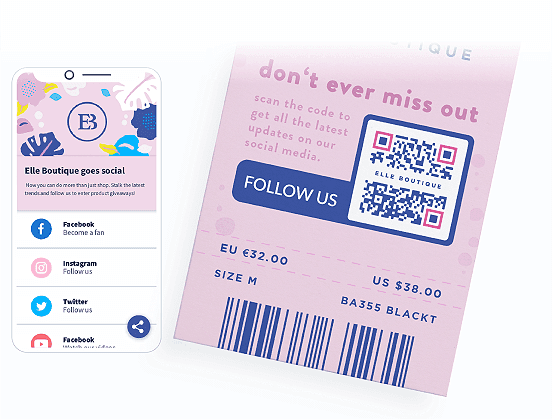
Twitter QR Codes are commonly used on business cards, posters, flyers, product packaging, websites, or any marketing material to drive traffic to a Twitter profile or campaign.
Yes, Twitter QR Codes can be customized with colors, logos, or designs to align with branding, making them more visually appealing and recognizable.
A Twitter QR Code can link to a profile, a specific tweet, a hashtag search, or even a Twitter list, depending on the desired action.
Yes, creating a basic Twitter QR Code is free using online QR Code generators. Additional customization or analytics may require a paid service.
Twitter QR Codes require an internet connection to access the linked Twitter content. However, the QR Code itself does not need the internet to be scanned.
Yes, as long as the linked URL leads to legitimate Twitter content. Always verify the destination URL before scanning to avoid phishing links.
Businesses can use Twitter QR Codes to direct customers to their Twitter profile, promote campaigns or events, encourage users to follow, or share tweets and hashtags to boost visibility.