
QR Code And Barcode
Generator
October 6, 2023
Imagine you're playing a gig. You want everyone to hear your music on Apple Music. Or, picture a business owner who wants to share a cool playlist. What about a party host trying to set the perfect vibe? Getting people to your music can be a pain. Sharing links means typing long URLs. This can lead to errors. It also kills engagement. Apple Music QR codes offer an awesome solution. They're scannable and easy to use. They get people listening fast. They are super effective. What benefits do they offer?
Apple Music QR codes make sharing music simple. Let's learn about them.
QR codes are those square barcodes you see everywhere. Scan them with your phone to access information. An Apple Music QR code links directly to music on the Apple platform. It uses a special apple.co link. This lets users quickly open a song, album, or playlist. It is all done within the Apple Music app. No more typing long, messy links!
Why use Apple Music QR codes? They make sharing super easy. They also boost engagement. People can scan and listen instantly. They even work offline if the music is downloaded. Plus, you can often track how many times the code has been scanned. This offers valuable data. Some users have seen stream increases up to 20% with QR codes. They also get more followers.
Apple Music QR codes have many uses. Musicians use them to promote their music. Businesses use them to set a mood. Events use them to share artist playlists.
Making these codes is simple. Use a third-party generator. You may be able to use Apple Music's built-in features. Let's explore this more.
Websites like QR Code Generator are good. Simply paste your Apple Music link. Then, create the code. You may have the choice between static and dynamic codes. Static codes are permanent. Dynamic codes can be updated. Dynamic is best if you want to change the link later.
Here are some things to keep in mind. Use high resolution images. This will prevent pixelation. Use contrasting colors if customizing. This will boost readability. Always test the code before using it widely.
Good design and placement are essential. Tracking performance is also a smart idea.
Make your QR code stand out. You can adjust colors, add logos, or change shapes. Do this while keeping it scannable. Test the code after each change. Some colors may make it hard to scan.
Where you put your QR code matters. Place them where people will see them. Obvious locations work best.
Dynamic QR codes offer tracking. You can see how many times your code was scanned. Also, you can often see the locations and times. This data helps you optimize campaigns. Knowing when and where scans occur is useful.
Here are some examples to spark your creativity.
An artist puts QR codes on t-shirts. These codes link to their new album on Apple Music. Fans scan the code at concerts. Album streams increase. The band can see which concerts generated the most scans.
A cafe wants to improve customer experience. They create an Apple Music playlist that fits their vibe. They put QR codes on tables. Customers scan to enjoy the music. This enhances the ambiance.
An event organizer promotes a music festival. Posters feature a QR code. Scanning takes you to a playlist of performing artists. People discover new music and get excited about the event.
Sometimes, QR codes don't work as expected. Here are some common problems and fixes.
Several issues can prevent scanning.
Verify the link connected to the QR code. If using a dynamic code, update the link. This will correct the issue.
Older phones may not scan QR codes well. Ensure the phone has a QR code scanner app. Update the phone's operating system.
Apple Music QR codes are a great tool. They help you share music easily. They increase listeners and engagement. Start creating and using QR codes today. They're simple, effective, and a powerful marketing tool.

Discover how cafés can use QR codes for digital menus, marketing campaigns, loyalty programs, and more. This ultimate guide covers creative, practical uses to boost customer experience and streamline operations.
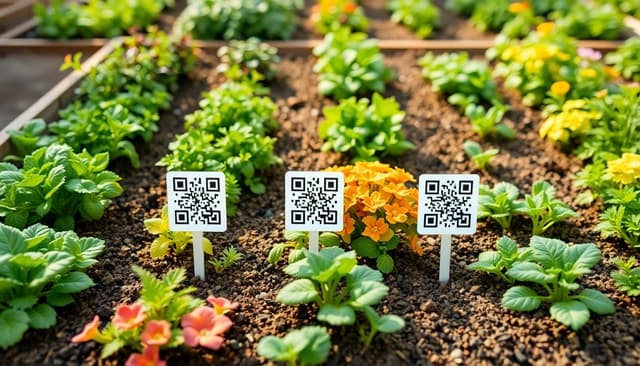
Explore 5 smart ways to use QR codes in gardening and plant care—from plant ID and care tips to garden tours and DIY guides. Make your green space more interactive and informative.

Learn how QR codes can securely store and share rental history for tenants and landlords. Streamline background checks, rental applications, and property management with ease.