
QR Code And Barcode
Generator
December 13 , 2023
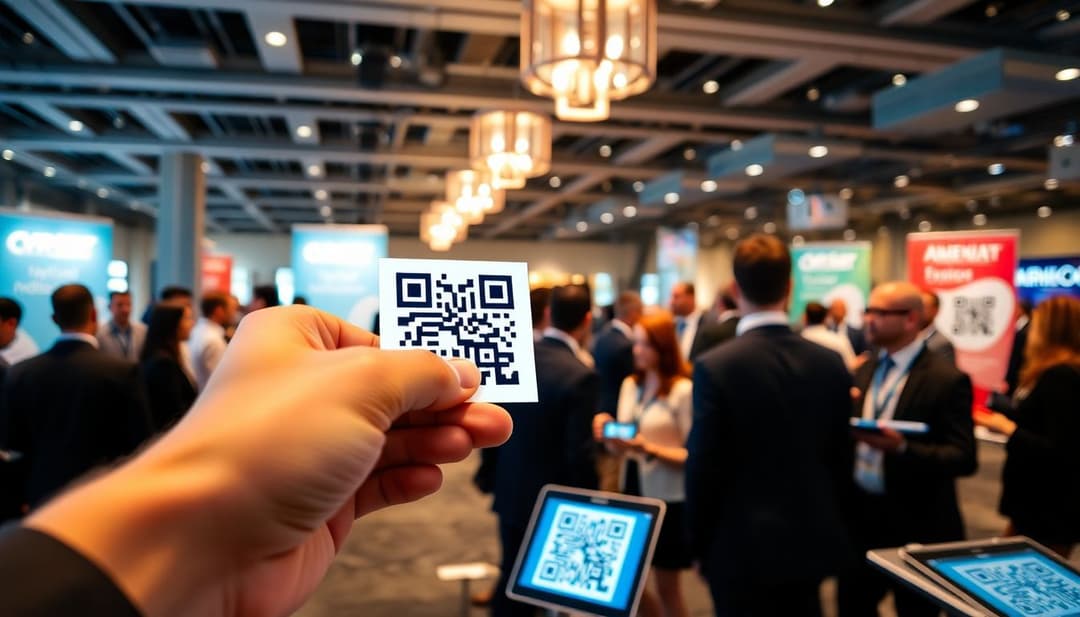
In a busy world where networking is key to career growth, quick and simple tools matter. QR codes have made connecting with others easier than ever. Instead of handing out stacks of business cards, you can now share your info instantly with a quick scan. This tech boosts your professional profile, saves time, and makes a great first impression. But, to get the most out of QR codes, you need a smart plan. When used right, QR codes can open doors you didn’t even know were there. Let’s see how to turn this simple square into a powerful networking tool.
QR codes are small squares filled with black and white patterns. They store info you can read with your phone or tablet. Created in 1994 by a Japanese company, these codes quickly became popular for sharing links, contact info, or even Wi-Fi passwords. When you scan a QR code, your device reads the embedded data and opens a website, saving you from typing long URLs. Learn more about how QR codes work.
Today, QR codes are everywhere—at conferences, on flyers, and even on products. More than 11 million U.S. businesses use them to connect with clients and partners. Industries like real estate, marketing, and tech rely heavily on QR codes for networking. They make it easy to share a LinkedIn profile or portfolio instantly. If your goal is to stand out, QR codes are a smart choice. Explore marketing use cases.
Using QR codes speeds up sharing contact info. No more fumbling with tiny text on your phone or asking someone to type an email address. They also give you the chance to track who scans your code, giving insights on your outreach. Plus, QR codes cut printing costs and are eco-friendly, making them a smart business move.
A good-looking QR code grabs attention without sacrificing function. Use your brand colors and a clean design. Add a small logo or icon in the center to reinforce your brand identity. Keep it simple—if the code is too busy, scanners might miss it. Design QR codes with our Qr Code Generator.
Think about what you want people to see after scanning. Link to your digital business card, portfolio, website, or LinkedIn profile. Consider creating a landing page that offers multiple options—like your contact info, social profiles, or a special offer. Clear and straightforward content keeps visitors engaged.
Always use secure URLs—look for ‘https’ links to build trust. Add tracking features to see how many times your code gets scanned. Avoid embedding sensitive info directly in the QR code to protect privacy. A safe, user-friendly experience encourages more scans and keeps your reputation intact.
Place your QR code on your business card, ideally on the back or in a corner. It shouldn’t clutter the design. Keep the code large enough to scan easily, but not so big it dominates the card. Brightly colored or branded borders can help your code stand out.
At events, put your QR code where it’s easily seen—on badges, banners, or printed handouts. Position it close to your face or name tag for quick access. If the event offers a mobile app, see if you can add your QR code there to increase exposure. Encourage attendees to scan during networking breaks.
Add your QR code to your email signature. Post it on your social media profiles to grow your network online. Use QR codes in slides during webinars or presentations—this way, viewers can connect with you instantly. The more places you display your code, the more opportunities you create.
Ask colleagues or clients how easy it was to scan and use your QR code. Did the landing page load quickly? Was the info helpful? Use their feedback to improve both design and content. A smooth user experience keeps people engaged and encourages future interactions.
From time to time, check your linked content. If your contact details change, update the landing page and ensure the QR code still directs correctly. Keep content fresh and relevant to keep your network interested and engaged over the long run.
Many professionals and companies successfully use QR codes. For example, a marketing firm added QR codes to their booth at a conference. They linked to their online portfolio and received over 300 scans. As a result, they gained new clients and boosted visibility. Small businesses using QR codes on their storefronts saw increased foot traffic and online inquiries. The key lesson is clear: well-designed, strategic placement leads to better results. See more real-world QR code examples.
QR codes are a simple yet powerful tool for professional networking. To succeed, focus on creating attractive, functional codes linked to valuable content. Distribute them thoughtfully—on cards, at events, or online. Keep track of how they perform and keep your info current. When used correctly, QR codes can make your networking faster, easier, and more effective. Start incorporating this tech today and watch your professional connections grow effortlessly.
Discover how cafés can use QR codes for digital menus, marketing campaigns, loyalty programs, and more. This ultimate guide covers creative, practical uses to boost customer experience and streamline operations.
Explore 5 smart ways to use QR codes in gardening and plant care—from plant ID and care tips to garden tours and DIY guides. Make your green space more interactive and informative.
Learn how QR codes can securely store and share rental history for tenants and landlords. Streamline background checks, rental applications, and property management with ease.